


📦 Lieferzeit: 7-15 Tage
Durch den Direktversand können wir hochwertige Produkte zu günstigen Preisen anbieten.
🎧 QCY T13 – Bluetooth 5.1 TWS Earbuds mit 4-Mic ENC, Touch Control & APP-Unterstützung
🎧 QCY T13 – Bluetooth 5.1 TWS Earbuds mit 4-Mic ENC, Touch Control & APP-Unterstützung
🎶 Klarer Sound & kräftiger Bass
Die QCY T13 liefern hervorragenden Klang mit ausgewogenen Höhen, Mitten und kräftigem Bass. Ideal für Musik, Videos, Gaming oder Arbeit.
Die 7,2 mm Dynamic Driver sorgen für einen satten, klaren und detailreichen Sound – perfekt für den Alltag.
🎤 4-Mic ENC – klare Telefonate überall
Die QCY T13 nutzen ENC-Technologie (Environmental Noise Cancellation), um deine Stimme deutlicher aufzunehmen und Hintergrundgeräusche zu reduzieren.
Perfekt für:
-
Telefonate
-
Zoom & Teams Meetings
-
Gaming-Voice-Chat
-
Outdoor-Telefonie
🔋 Lange Akkulaufzeit – bis zu 40 Stunden
Mit Ladecase erreichst du eine Gesamtspielzeit von bis zu 40 Stunden.
Die Earbuds selbst halten mehrere Stunden am Stück und sind nach etwa 1,5 Stunden wieder vollständig geladen.
Vorteile:
-
Ideal für den ganzen Tag
-
Perfekt für Pendeln, Arbeit & Reisen
-
Energiesparender Bluetooth 5.1 Chip
📲 Touch Control + App-Unterstützung
Mit leichtem Tippen steuerst du:
-
Play / Pause
-
Songs überspringen
-
Anrufe annehmen / auflegen
-
Sprachassistent starten
Über die QCY App kannst du zusätzlich:
-
EQ anpassen
-
Tastenbelegung ändern
-
Firmware-Updates erhalten
-
Sleep-Mode aktivieren
💧 IPX5 wasserdicht
Die Earbuds sind gegen Schweiß und Spritzwasser geschützt – ideal für:
-
Fitness
-
Joggen
-
Outdoor
-
Alltag
⚡ Bluetooth 5.1 – stabil & schnell
Dank Bluetooth 5.1 bekommst du:
-
schnelle Verbindung
-
stabile Reichweite
-
geringe Latenz
-
Energieeffizienz
Kompatibel mit Android, iOS, Tablets, PCs & mehr.
🧳 Komfortables In-Ear Design
Die Silikon-Ohrpolster sorgen für sicheren Halt ohne Druckstellen – perfekt für lange Tragezeiten.
📦 Lieferumfang
-
1× QCY T13 Bluetooth Earbuds
-
1× Ladecase
-
1× USB-C Ladekabel
-
3× Ohrpolster-Sets
-
1× Benutzeranleitung
⭐ Warum Kunden die QCY T13 lieben
✔ Starker Klang & klarer Bass
✔ 4-Mic ENC für deutliche Telefonate
✔ 40 Stunden Akkulaufzeit
✔ IPX5 wasserdicht
✔ QCY App für individuelle Einstellungen
✔ Komfortables & leichtes Design
📊 Technische Daten (Specifications)
-
Modell: QCY T13
-
Noise-Cancellation (ANC): Nein
-
ENC Mikrofon: 4-Mic ENC
-
Bluetooth: Version 5.1
-
Akku (Case): 380 mAh
-
Akkulaufzeit: bis zu 40 Stunden
-
Ladezeit: ca. 1,5 Stunden
-
Treiber: 7,2 mm Dynamic Driver
-
Frequenzbereich: 20 – 20.000 Hz
-
Empfindlichkeit: 108 dB
-
Impedanz: 30 Ω
-
Wasserdicht: IPX5
-
Codecs: SBC
-
Bedienung: Touch Control
-
APP-Support: Ja, QCY APP
-
Sprachassistent: Unterstützt
-
Verbindung: Bluetooth (TWS)
-
Ladedose: USB-C
-
Standby: ca. 40 Stunden
-
Zertifikate: CE, FCC, RoHS, BQB
QCY T13 Wireless Smart Earbuds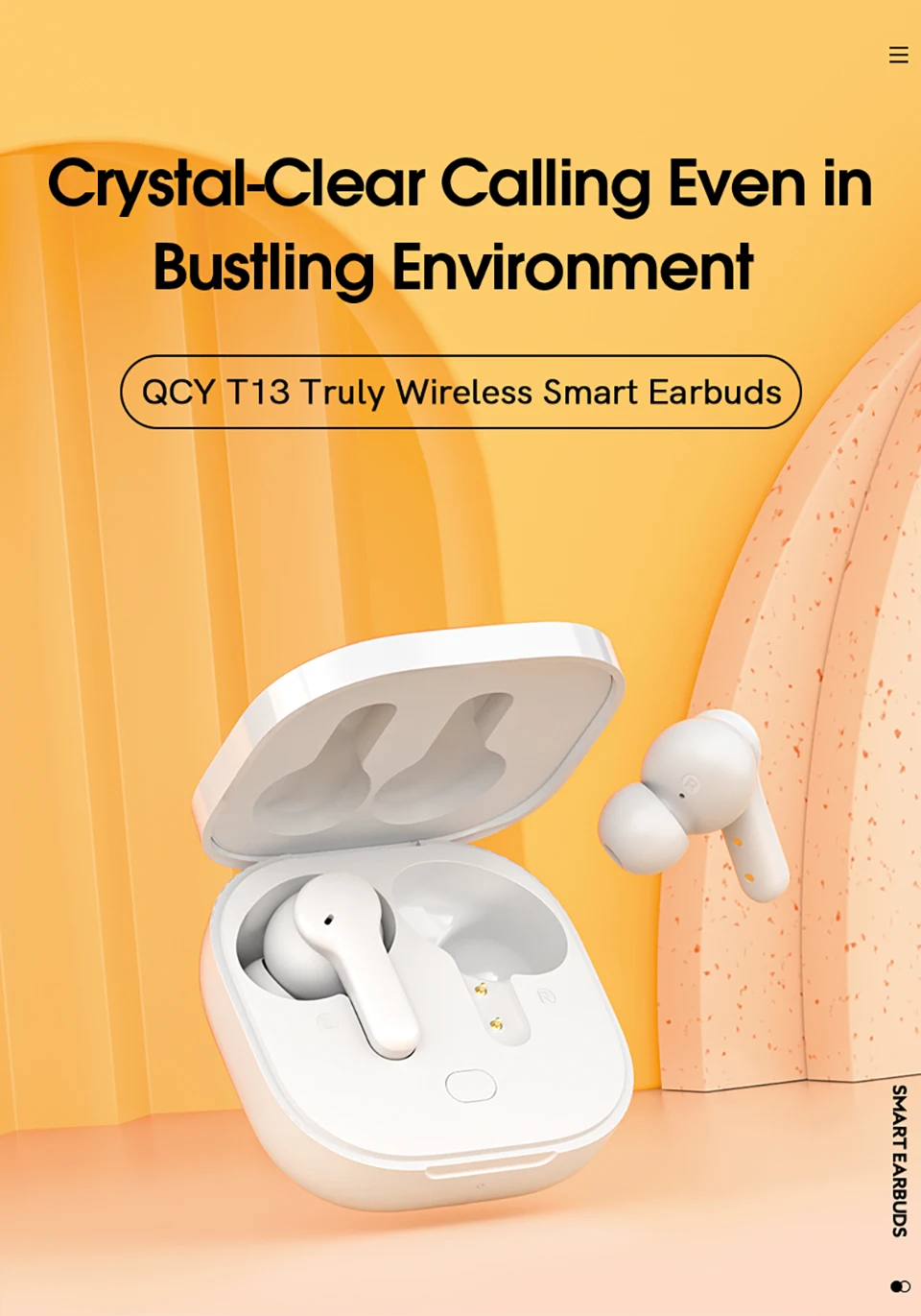
4 MIC
Four noise-canceling microphones for calling
40h
Ultra-long battery life
Quick charge
7.2mm
Big dynamic driver
V5.1
Bluetooth chip
APP
Customizing earbuds
Sleep Mode
Anti-touch
Pop up
Pairing pop-up window
Touch
Pressure-free touch control

Talk Wherever You Are
4-Mic Ultra Clear Calls, 3x clearer than ordinary true wireless earbuds.
Advanced ENC Technology, Effectively block out 90% of background noise, only transmits your voice.
4 MIC
Four noise-canceling microphones for calling
ENC
Digital noise canceling algorithm

Quick charge
5 Minutes’ charge equals 1 hour of playback
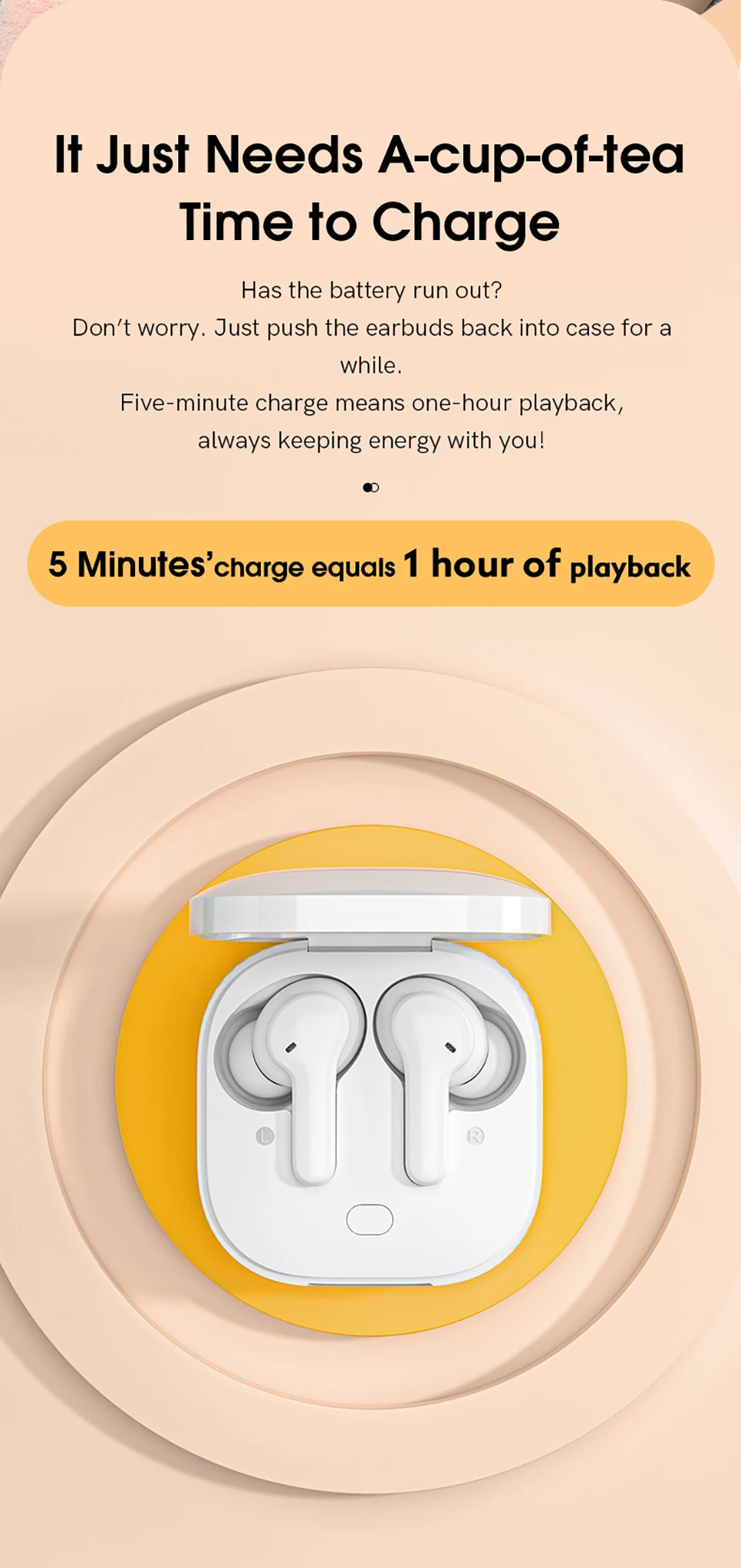
40 Hours Playback
Playtime lasts for about 8 hours from single charge. and total 40 hours with charging case.

7.2mm Big dynamic driver
7.2mm driver delivers HIFI sound combining punchy bass and dynamic, transient analytic force.
* Some Android 9.0 phones are within white list setting SBC as default. One of solutions is rooting your phone then add the Bluetooth address into the list yet it’s risky.
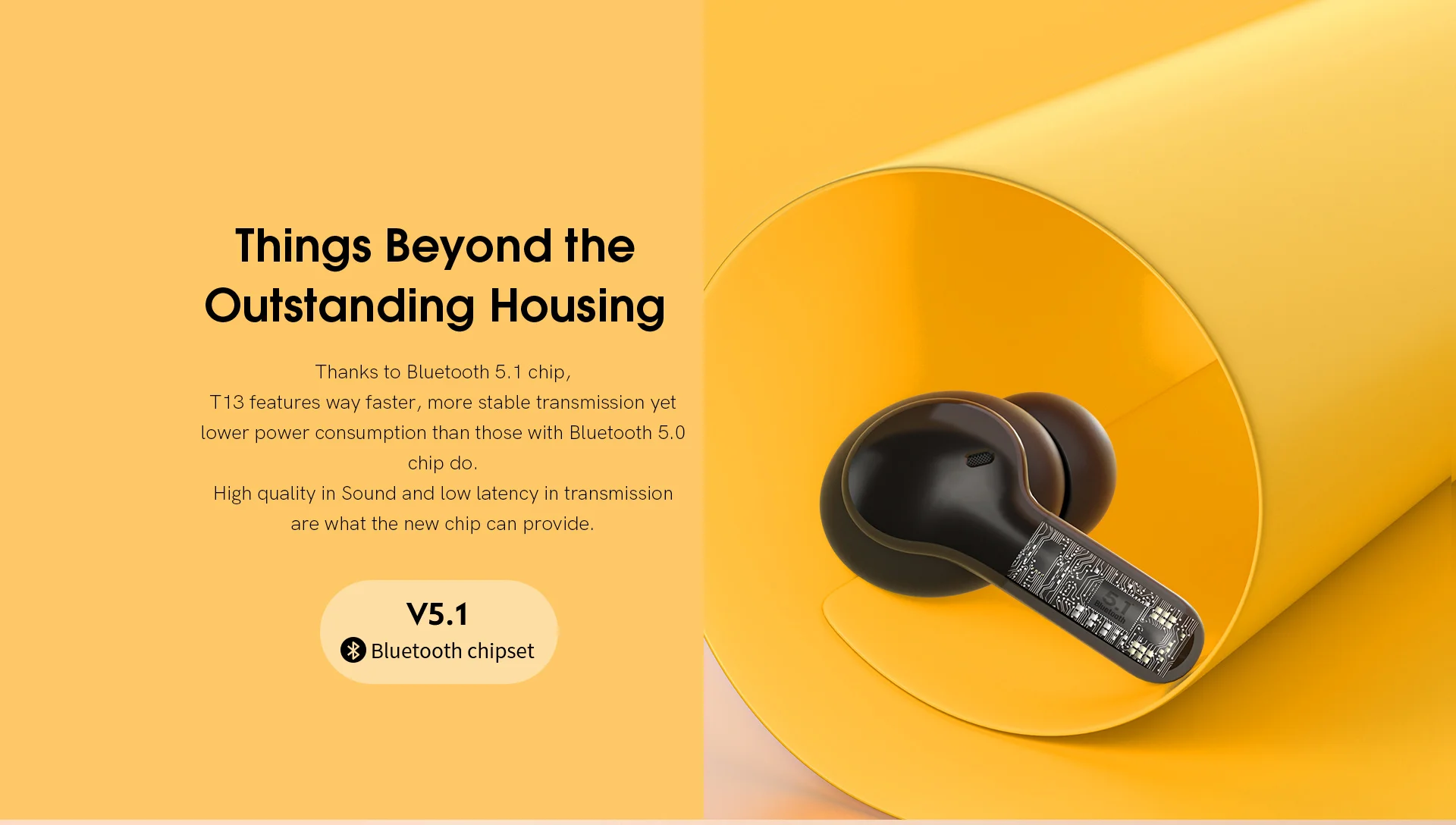
Bluetooth V5.1 Chipset
Bluetooth V5.1 chip, faster, more stable transmission,High quality in Sound and low latency;
Elegant Looking
The charging case is Inspired by space capsule

Customized QCY App
Except language change,default EQ modes and OTA firmware update,we add Sleep Mode to help you avoid any unintended activation.
* Refer user manual to download the app.
* The app requires system of android 6.0 or above/iOS 11 or above.
* Push earbuds back into charging case to quit Sleep Mode or you can quit it on QCY App.

One Step Pairing

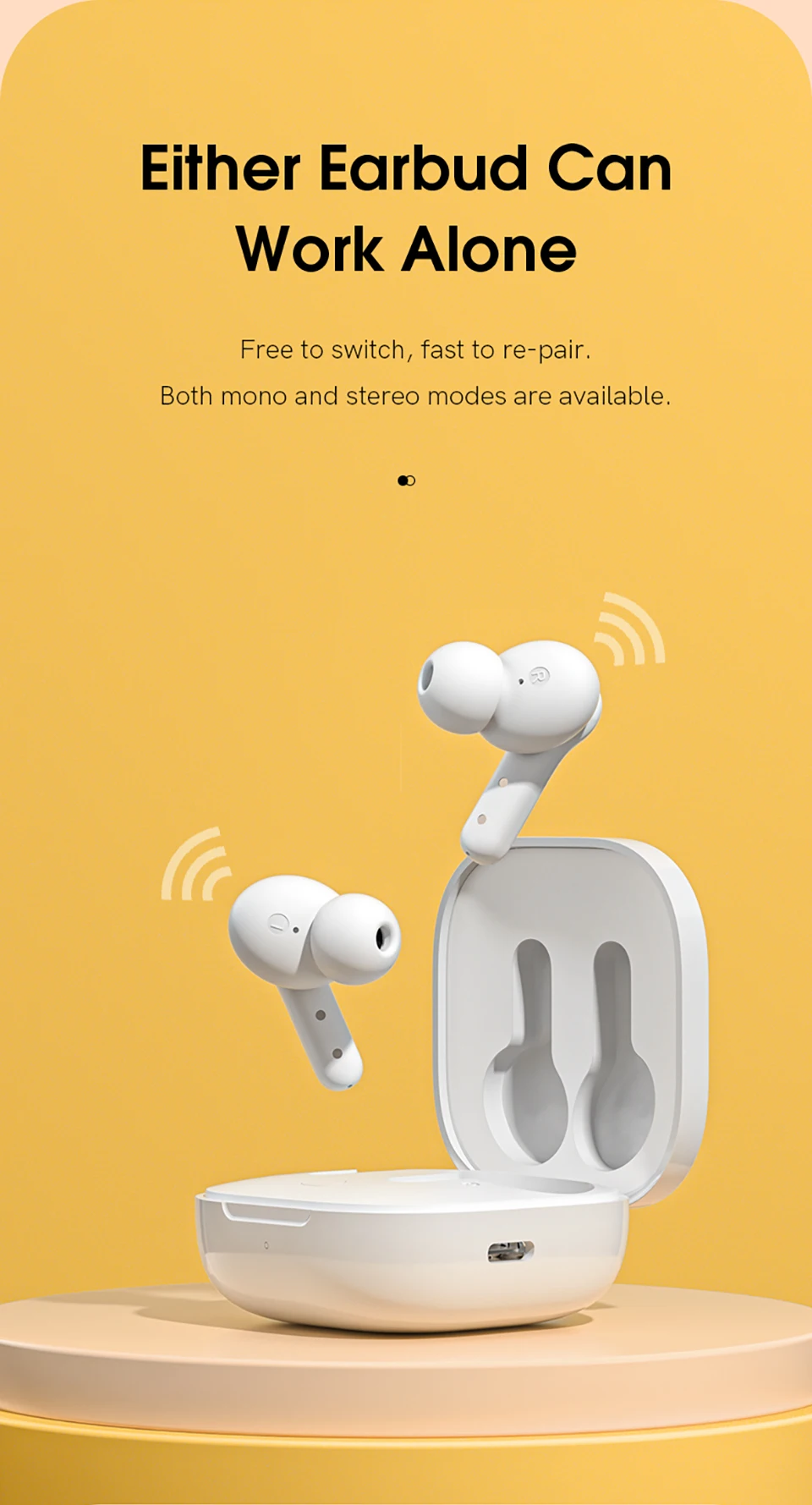
Either Earbud Can Work Alone
The L/R earbud can use in single
Both mono and stereo modes are available.
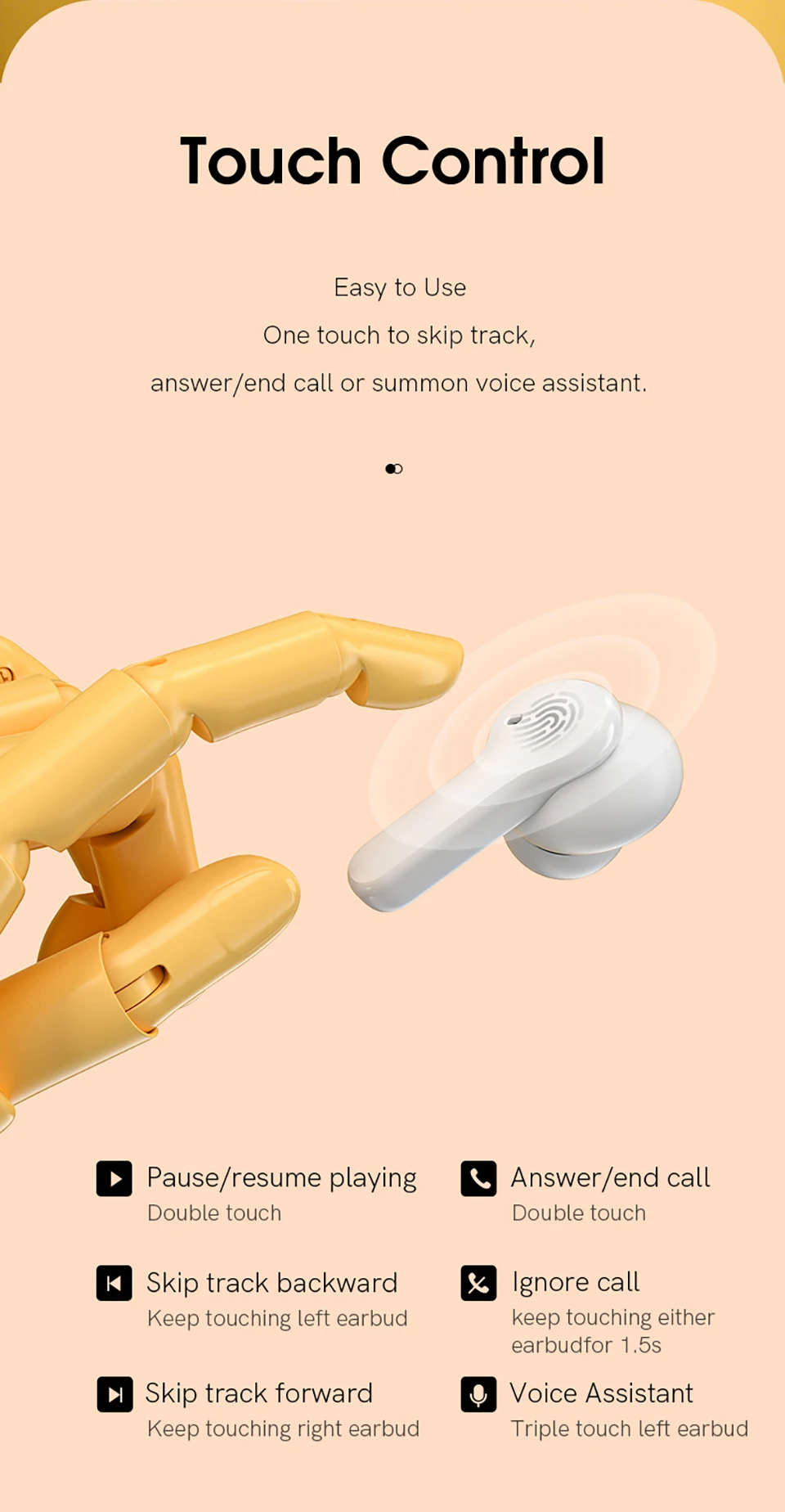
Sensitive Touch Control
Music,Call, Voice assistant control all at your fingertips.
Pause/resume playing :Double touch
Answer/end call:Double touch
Skip track backward : Keep touching left earbud
Ignore call:Keep touching either earbud for 1.5s
Skip track forward : Keep touching right earbud
Voice Assistant : Triple touch left earbud
What’s in the Box:
Earbuds, charging case * 1
Eartips * 3 pairs S/M/L(one pair has been assembled)
Type-C cable * 1
User manual * 1
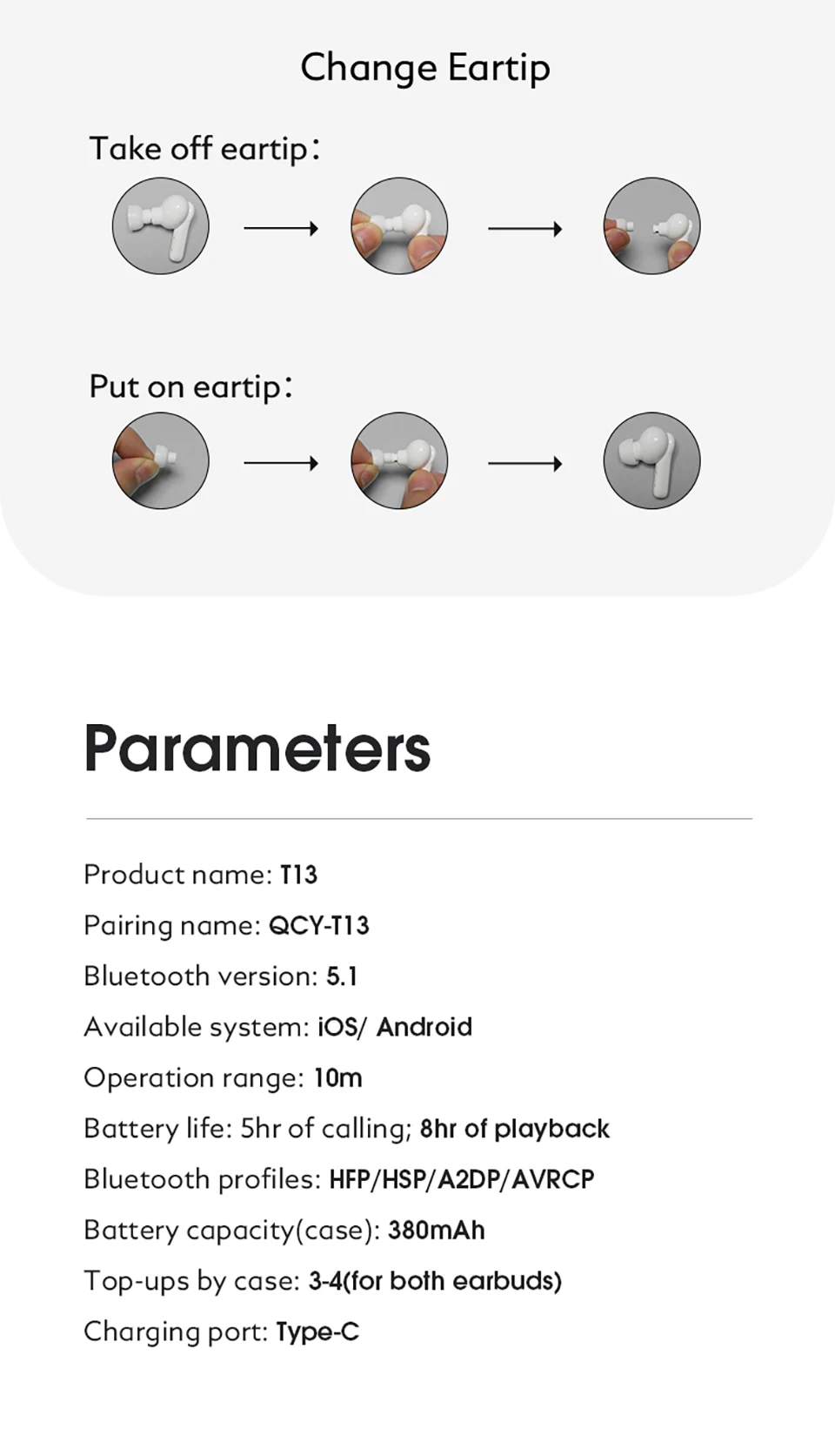
Parameters:
Product name: T13
Pairing name: QCY-T13
Bluetooth version: 5.1
Available system: iOS/ Android
Operation range: 10m
Battery life: Up to 8 hours of listening time(5hr of calling) by single charge;
Up to 40 hours play time with charging case.
Bluetooth profiles: HFP/HSP/A2DP/AVRCP
Battery capacity(case): 380mAh
Top-ups by case: 2-3(for both earbuds)
Charging port: Type-C


FAQ:
Q: What should I do if the headset received unabletoturn on?
A: Confirm that the charging case has power left, press the button on the case and check if at least one LED is illuminated.
If charging case power off, please put the earphones in charge case and charging for 1 hour. Before charging, please Remove the stickers on new earphones.
Connect the case with your included USB cable and plug it into a USB power source.
Q:What should I do if Sound comes from only one earphone?
A:Put both earphones back into the charging caseand close the cover, then take them out again to check whether both ears have sound. If only one earphone still has sound, please restore the factory settings for both earphones.
Q:How to solve the problem that the mobile phone prompts that it cannot connect?
A:Delete the pairing record on the mobile phone, and then search for pairing and connect again.
Q:How to solve the problem that there is no sound when listening to musicor calling?
A: There is a settings icon on the right side of the Bluetooth connection name on Android phones. Click to enter, turn off the mobile phone audio and media audio, and then turn them on again. If there is still no sound, please re-pair the earphones with the mobile phone.
Q: Why is there a delay in videoor games?
A: Affected by factors such as the use environment, network, and mobile phone Codec, there will be different degrees of delay when the mobile phone transmits audio data to the earphone.
Q: How to solve the problem of stuckor intermittent sound?
A: If there are a lot of Wi-Fi, 5Gor 4G signals, high-power electrical appliances around, it may cause stuck and intermittent sound. Please Change the environment or re-pairing can solve the problem.
Other Tips:
1. Before using the earbuds, please read the manual carefully and keep it for future references.
2. The earbuds need to be fully charged prior to first-time use.
3. lf the earbuds are left unused for over two weeks, please recharge.
4. Please use the chargers made by qualified manufacturer.
5. lf earbuds fail to be found by phone, please re-turn them connectable or restore factory settings.
6.lf a program error of phone occurs, please turn off and on Bluetooth functionor reboot the phone.